We’re entering the key weeks of the foliage season for the majority of Maine. I feel festive.
Thanks to my new, beefier hosting plan, I feel empowered to offer you, the justinrussell.com reader, high-quality downloads. So have a photo; this one was taken on October 30, 2005, in Millinocket, right before my car’s transmission gave out. (I haven’t been back since.)
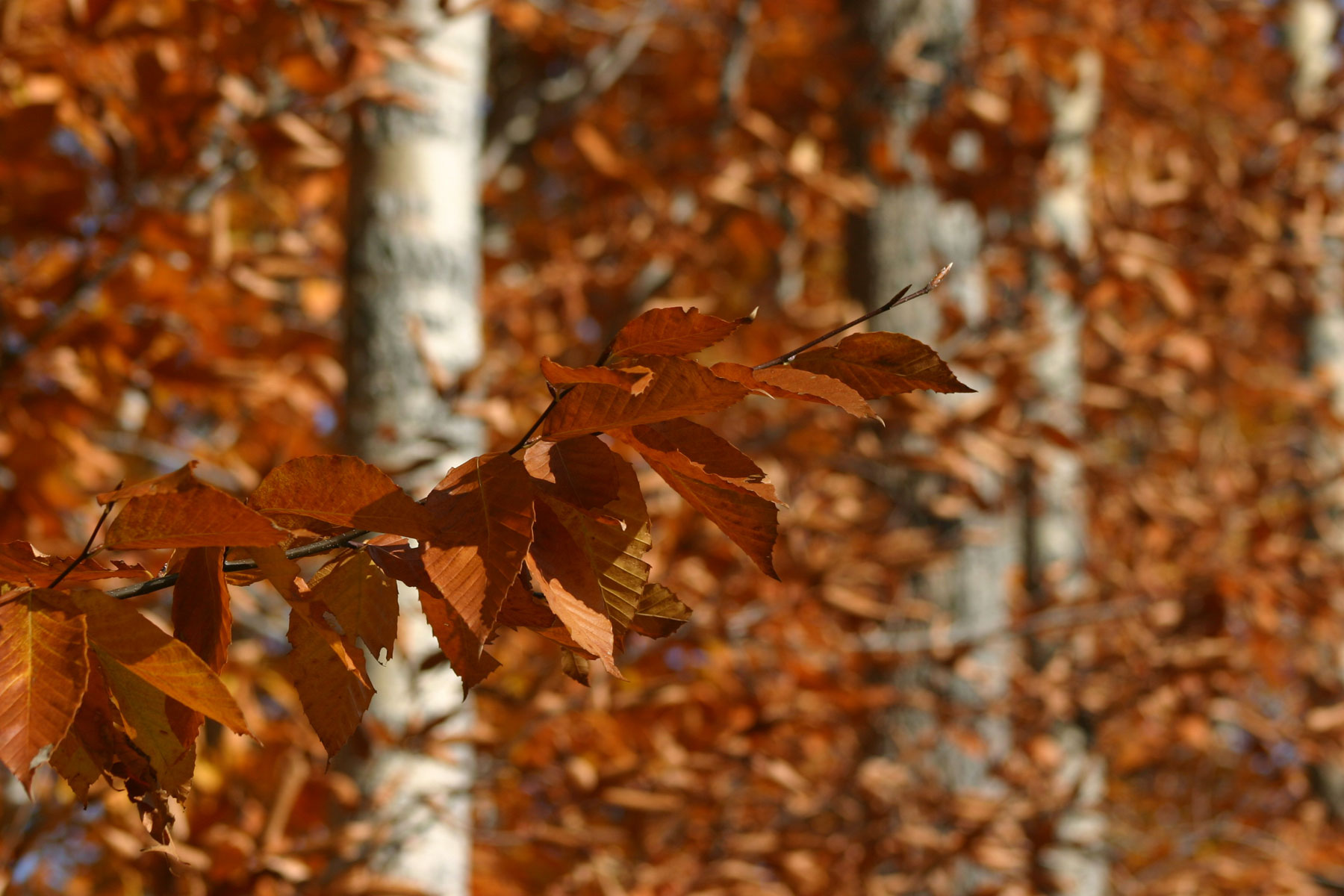
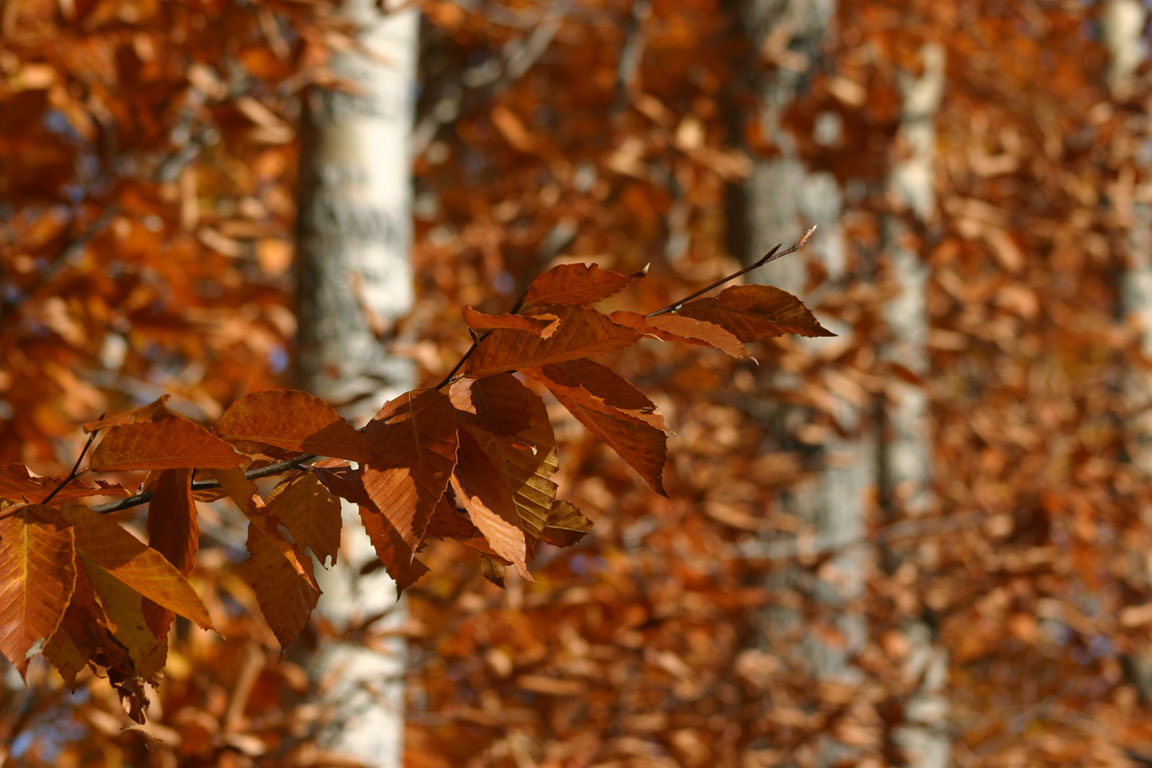
If you’re not sure how to set the desktop picture on your computer, follow these simple steps:
Firefox
- Click on a thumbnail above.
- Right-click on the enlarged picture and choose “Set As Desktop Background…”
Internet Explorer
- Download Firefox and install.
- Open Firefox.
- Click on a thumbnail above.
- Right-click on the enlarged picture and choose “Set As Desktop Background…”